From the seat they pick to the welcome at the door
A concert, a three-day conference, a Christmas show performed three times. Your attendees choose their seat, receive their ticket, and on the day the queue keeps moving - even when the network gives way.
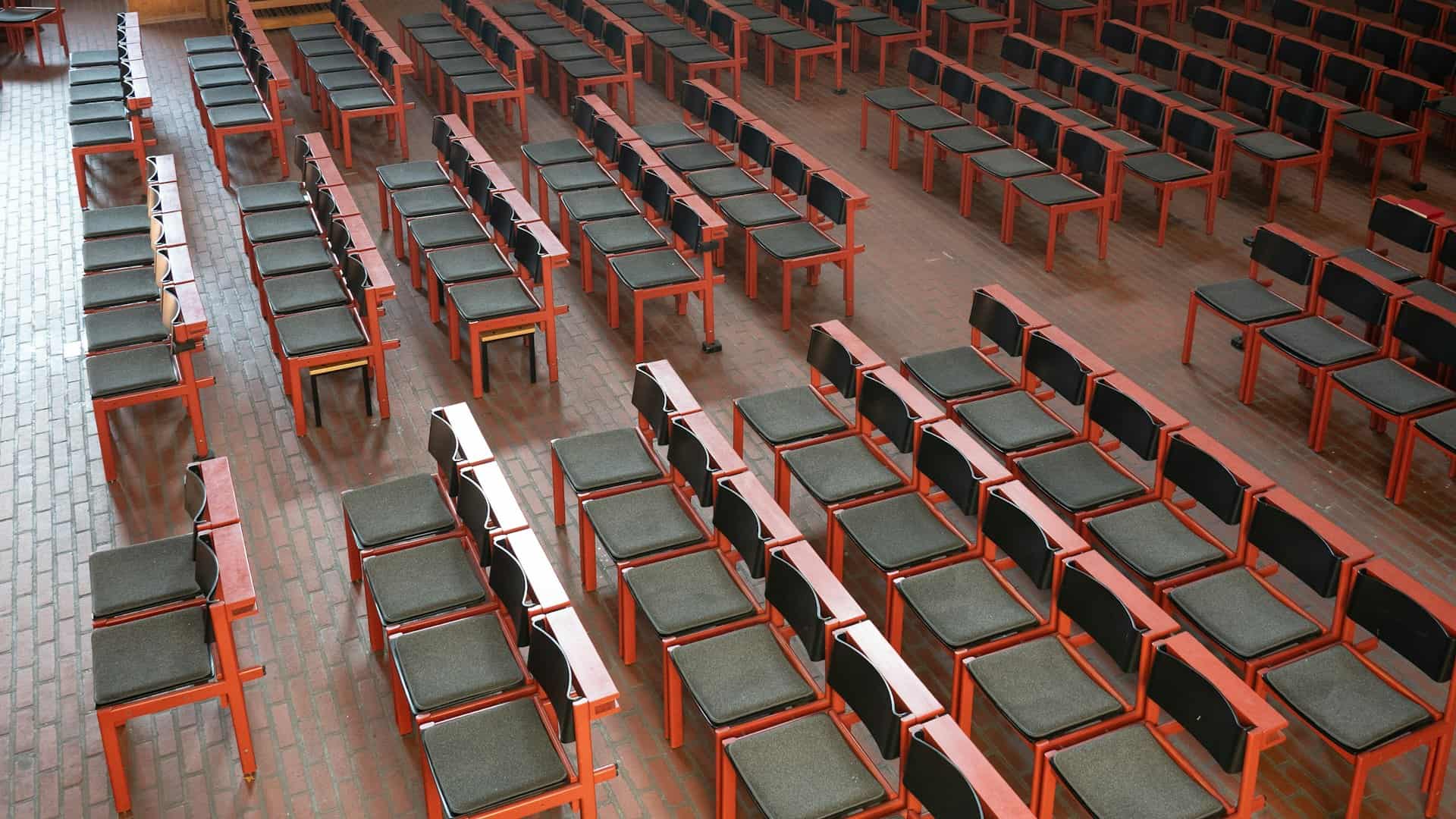
Pick a seat. The ticket that follows will carry yours.
No payment is simulated here: we tell you what happens, we do not mimic a card screen on a public page.
Knowing who is coming is one thing. Knowing where each of them sits is another.
A room, not a number of places
Most ticketing counts. This one knows where each person sits, how many times the show runs, and which currency your church is paid in.
At the door, with the queue outside
That is when a tool is judged. Not in a demo, but in a basement hall with three hundred people.
What a general-purpose ticketing tool will never do
It sells a ticket and stops. We know your rooms, your service plan and your accounts.
What this module does, and what it does not do yet
We would rather you knew before subscribing than on a Saturday evening.
- Seating plan, zones, numbered and accessible seats
- Ticketing, ticket categories and waiting list
- Family registration: each person gets their own named ticket and entry
- Multiple sessions, capacity and check-in per session
- QR ticket by email, camera scanning, offline check-in
- Full or partial refunds from the console, commission returned and accounting entry
- Dashboard, printable report, revenue in the accounts
- A kanban view of registrants: the sorted, searchable list remains the tool, and a registrant mostly changes state on their own
- Local payment rails for tickets: M-Pesa and the others serve donations, not yet ticketing
- Badge printing on a label printer: badges print on an A4 sheet to cut up
The other modules
They share the same people and the same permissions: what is entered in one is read by the others, without typing it again.
See all twenty-five modules


Your next event can open today
Create it, draw the room if you seat your guests, open registrations. The rest follows.